
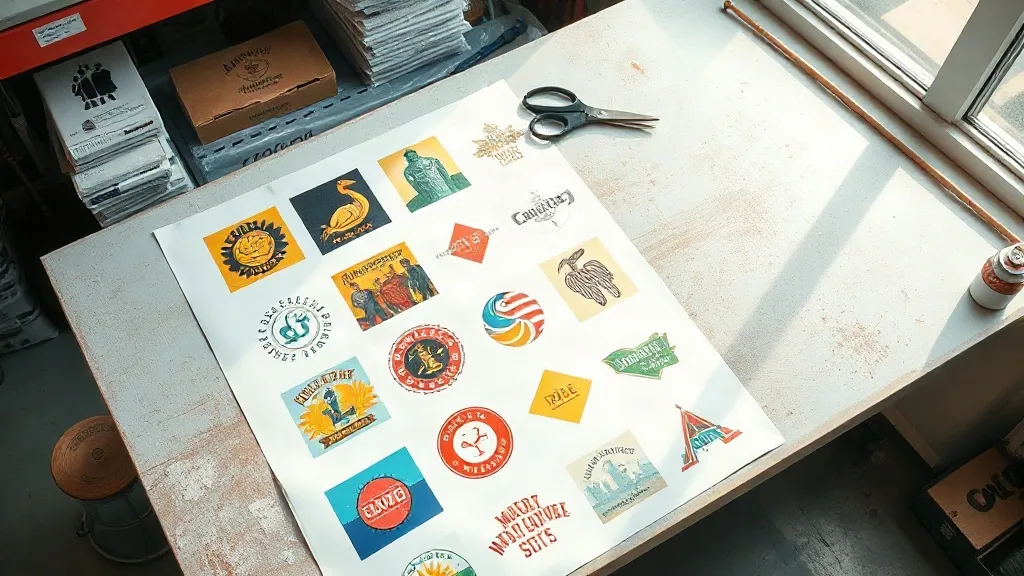
Most print shop owners treat a DTF Gangsheet like a digital shopping cart: drop in the logos, hit send, and hope the margins work out. Then the invoice arrives, the film bill climbs, and the job that looked profitable on paper barely covers overhead. The problem is rarely the printer or the powder. It is the sheet itself. A gangsheet is not just a container for artwork; it is a pricing decision, a production schedule, and a profit lever all at once. Learning to plan one deliberately is one of the fastest ways to protect your margins without raising a single price.
Why the Gangsheet Is Your Real Cost Center
Every DTF transfer you sell carries two costs that scale with area: film and ink. Powder adds a third, and labor adds a fourth. When you leave a third of a sheet empty, you are still paying for the film, the powder that settles across the printed area, and the time it takes to press and cure the whole sheet. The artwork that actually ships may only occupy 60 percent of the surface, but the invoice reflects 100 percent. That gap is where quiet losses accumulate, week after week, until a shop owner wonders why revenue is up but profit is flat.
The fix starts with treating the sheet as a unit of production rather than a file upload. Before any order goes to the RIP software, ask a simple question: what is the true cost per square inch of this sheet, and how much of that surface is being sold? Once you can answer that, pricing stops being guesswork.
Planning a Sheet Around Real Orders, Not One-Offs
The most efficient gangsheets are not built from single orders. They are built from a queue. If you run a shop that handles team orders, small business merch, or event shirts, you already have a natural pool of artwork that can share a sheet. The trick is to batch by material and color requirements rather than by customer.
Group artwork by film width and color profile
Mixing light and dark garment transfers on the same sheet is possible, but it complicates curing and pressing. A cleaner approach is to build sheets around a single color profile, then nest jobs that share that profile. This keeps your press settings stable and reduces the chance of a transfer failing because the powder was cured at the wrong temperature for one section of the sheet.
Reserve a lane for fillers
Experienced operators keep a folder of small, high-demand designs: pocket logos, sleeve tags, and one-color badges. When a sheet has leftover space, these fillers go in. They cost almost nothing to add, they sell quickly, and they turn dead space into inventory. Over a month, a disciplined filler strategy can add hundreds of dollars in sellable product from film you were already paying for.
Nesting That Respects the Press, Not Just the Screen
Nesting software will happily rotate and pack artwork into every corner, but the screen is not the constraint. The constraint is your heat press and your cutter. A design nested too close to the edge of the film can shift during cutting, and a transfer placed too near the sheet border may not press evenly. Leave a consistent margin, usually a quarter inch or more depending on your cutter, and keep artwork oriented the way your team naturally loads it. Speed on the press floor is worth more than the last two percent of yield.
It also helps to standardize sheet sizes. Shops that run three or four fixed widths can plan around them, stack them efficiently, and train staff to recognize which jobs fit where. Custom sheet sizes feel flexible but often produce awkward offcuts that never get used. A small library of standard sizes, paired with a nesting template, keeps production predictable.
The Math Behind a Profitable Sheet
Here is a simple framework that works for most small and mid-size shops. Start with the total cost of the sheet: film, ink, powder, and a labor estimate for printing, powdering, curing, and cutting. Divide that by the number of sellable square inches, not the total square inches. That gives you a cost per sellable inch. Then price each job by the area it occupies, plus a margin that covers press time and packaging.
- Calculate sheet cost before you quote, not after.
- Divide by sellable area, not total area, to see your true cost.
- Add a minimum job charge so small orders still contribute.
- Track filler sales separately to see how much dead space is really earning.
Shops that adopt this habit often discover that their smallest orders were the least profitable, not because the price was low, but because the sheet around them was mostly empty. Repricing those jobs, or batching them with others, changes the economics without changing the customer experience.
Common Gangsheet Mistakes That Quietly Eat Margin
The first mistake is sending a sheet before the artwork is production-ready. Low-resolution files, missing bleed, or unmerged layers force a reprint, and a reprint doubles the cost of that sheet. The second is ignoring color mode. Sending RGB artwork to a printer expecting CMYK can shift colors in ways that only show up after pressing. The third is overfilling. A sheet packed so tightly that cutting becomes unreliable will produce more waste than a sheet with a little breathing room.
Another frequent issue is inconsistent powdering. If one area of the sheet gets a heavier coat than another, the transfer may crack or feel stiff in that section. Uniform application, whether by hand or with an automated shaker, keeps quality consistent across the whole sheet and protects your reputation on every order.
When to Use a DTF Gangsheet and When Not To
A DTF Gangsheet shines when you have multiple designs that share a color profile and a production window. It is less useful for single large prints, where a dedicated sheet or a roll-fed setup may be more efficient. It is also a poor fit for jobs with wildly different fabric requirements, since pressing settings vary. Knowing when to batch and when to run solo is part of the skill.
For shops that regularly handle mixed orders, the sheet becomes a scheduling tool as much as a printing one. Build it on Monday for the week's work, and you reduce setup time, film waste, and the mental overhead of tracking dozens of small files.
Building a Repeatable Workflow
The shops that get the most from their sheets tend to follow a similar rhythm. Orders are collected and sorted by color profile. A nesting template is applied. Fillers are added from a standing library. The sheet is printed, powdered, cured, and cut in a single session. Finished transfers are labeled and stored by job. Nothing about this workflow is exotic, but the discipline of repeating it is what turns a gangsheet from a convenience into a profit engine.
It also helps to review sheet yield monthly. Compare sellable area to total area and see where the gaps are. If a particular product line is consistently leaving large empty zones, either reprice it or find fillers that fit. Small adjustments compound quickly.
Frequently Asked Questions
How much empty space is acceptable on a DTF Gangsheet?
There is no universal number, but many shops aim to keep sellable area above 75 percent. Below that, the sheet is usually underperforming and should be reworked or repriced.
Can I mix different fabric types on one sheet?
You can print them together, but pressing settings differ by fabric. It is usually cleaner to group transfers by the garments they will be applied to, so the press operator does not have to adjust temperature and pressure mid-run.
What is the best way to use leftover space?
Keep a library of small, fast-selling designs such as pocket logos, sleeve tags, and one-color badges. Add them to any sheet with room, and treat the resulting transfers as ready inventory.
How do I price a job that shares a sheet with others?
Price by the area the job occupies, using a cost per sellable inch that includes film, ink, powder, and labor. Add a minimum charge so small jobs still cover handling and packaging.
Does sheet size affect print quality?
It can. Very large sheets require consistent powder application and even curing across the full surface. Standardizing sizes and using reliable equipment keeps quality stable from edge to edge.